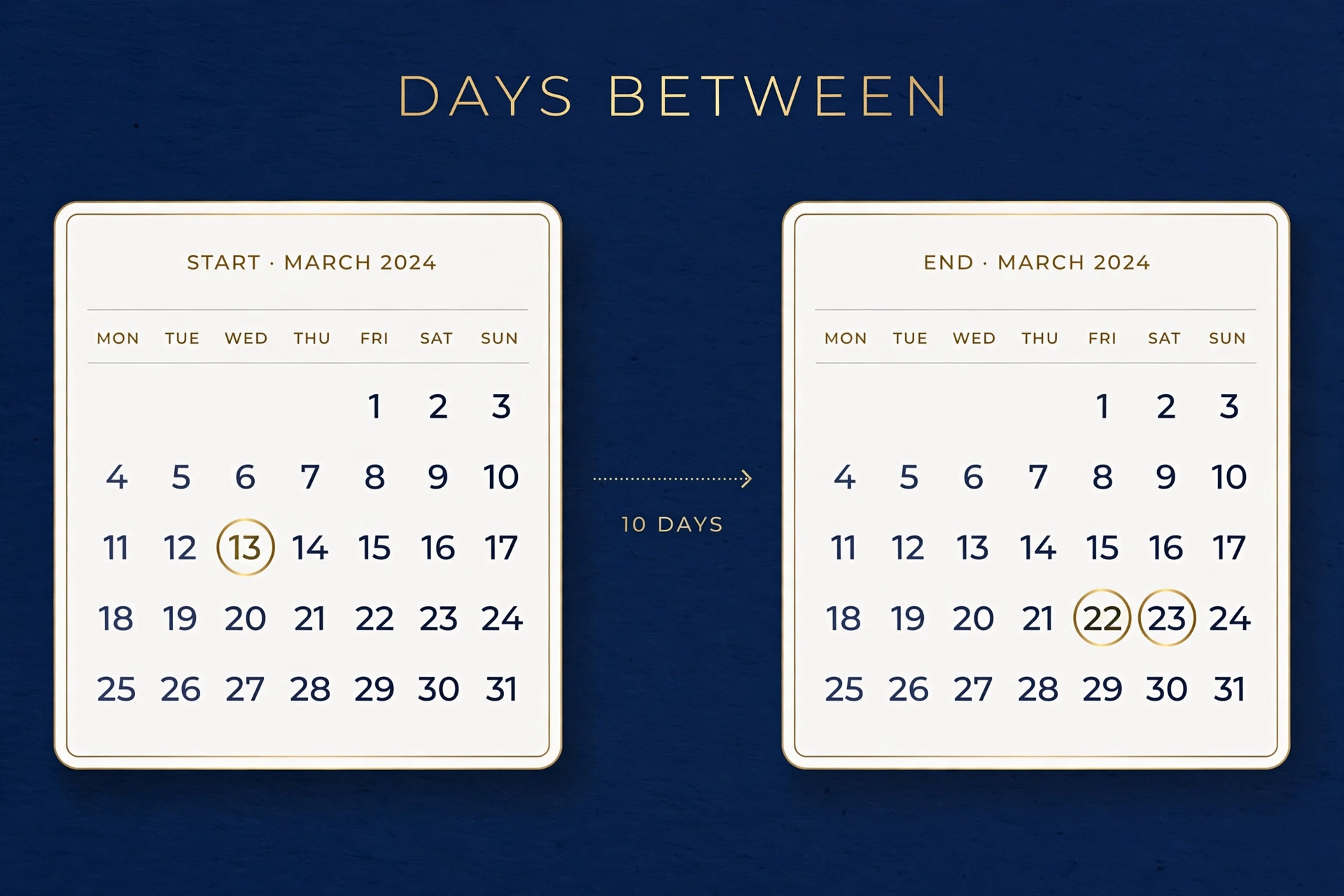
Three ways to get the answer: count it by hand (good to understand), Excel (good for spreadsheets), or an online calculator (good for everything else). Plus the one trap — inclusive vs exclusive counting — that makes everyone’s first answer off by one.
Method 1: Count by Hand
Break it into chunks: remaining days in the start month + full months in between + days in the end month. Example: March 10 to June 5. March has 31 days → 31−10 = 21 remaining. April (30) + May (31) = 61. Plus 5 days of June. Total: 21 + 61 + 5 = 87 days. Keep a month-length table handy (or remember: 30 days hath September, April, June, and November).
Method 2: Excel (DATEDIF)
Put the start date in A1, end date in B1, and use =B1-A1 — formatted as a number, that’s your day count. Or =DATEDIF(A1,B1,"D") for days explicitly (“M” for months, “Y” for years). Excel counts exclusively (endpoints not double-counted), matching the standard convention.
Method 3: Online Calculator (Fastest)
Our Days Between Two Dates tool does it instantly — pick both dates, get days, weeks, months, and years in one click. No month-length memorization required.
The Inclusive vs Exclusive Trap
“How many days from Monday to Friday?” Most people say 5 (inclusive — counting both ends). Date math says 4 (exclusive — the gap between them). Hotel nights, project timelines, and age calculations all use exclusive counting: Jan 1 to Jan 2 is 1 day, not 2. When your answer is off by one, this is always why.
Worked Example: Project Deadline
Today is Oct 24, deadline Dec 15. October remaining: 31−24 = 7. November: 30. December: 15. Total: 7 + 30 + 15 = 52 days. That’s 7 weeks and 3 days — plan accordingly.
Business Days Between Dates
“How many working days until the deadline?” — subtract weekends first, then public holidays. Quick method: total days ÷ 7 × 5, then adjust for partial weeks and holidays. Example: 30 calendar days ≈ 21–22 business days. Our Days Between Dates calculator handles the weekend math; overlay your country’s holidays manually. HR departments live by this: notice periods, probation tracking, and leave balances all run on business days.
Age in Days: The Fun Calculation
Your age in days = today − birthdate. At 30 years old, you’re ~10,950 days old (plus leap days); 10,000 days lands around age 27.4 — a milestone some people celebrate more meaningfully than round birthdays. Milestone math: 100 days until an event feels more urgent than “3 months” — which is exactly why fitness challenges and project sprints count in days.
Countdown Use Cases Pros Use
Project managers: days remaining = urgency signal; red when under 10% of total. Travel: visa windows and booking deadlines are day-counted (the Schengen 90/180 rule punishes miscounts with entry bans). Finance: “days sales outstanding” and payment terms (net-30/60/90) are day arithmetic. Health: medication courses, pregnancy weeks, recovery timelines. The day is business’s atomic unit — master the count and you master the deadline.
The Off-by-One Error (and How to Avoid It)
“How many days between Monday and Friday?” — 4 (exclusive) or 5 (inclusive)? Hotels charge per night (exclusive of checkout day); subscriptions bill inclusive. The rule: define whether the endpoints count, then count. Spreadsheets: =B1-A1 gives exclusive; add +1 for inclusive. Most real-world disputes over “30 days” are really disputes over this single day — settle it in writing before the count starts.
You can cross-check any date range with timeanddate.com‘s duration calculator, which counts the days between two dates the same way.
Conclusion
Counting the days between two dates looks simple until month lengths, leap years, and the include-or-exclude question start moving the answer around. The three methods in this guide — calendar counting, the day-of-year shortcut, and breaking the span into whole years and remainders — all land on the same number when each is applied carefully.
What matters most is consistency. Deadlines, interest, notice periods, and countdowns each assume a counting convention, and mixing conventions mid-calculation is where off-by-one errors breed. Pick the method that matches your purpose, state whether the start day counts, and the arithmetic will never argue back.
Frequently Asked Questions
How do I calculate days between two dates manually?
Count remaining days in the start month, add full months between, add days in the end month. Month lengths: Jan 31, Feb 28/29, Mar 31, Apr 30, May 31, Jun 30, Jul 31, Aug 31, Sep 30, Oct 31, Nov 30, Dec 31.
Does “between” include the start and end dates?
By standard convention, no — it’s the gap between them. Jan 1 to Jan 31 is 30 days between, 31 days inclusive. Always clarify which one a contract or deadline means.
What’s the Excel formula for days between dates?
=B1-A1 with the result cell formatted as Number (not Date). Or =DATEDIF(A1,B1,"D").
How do leap years affect the count?
Only if Feb 29 falls inside your range — then add one day. Our calculator handles this automatically; by hand, check whether a leap day sits between your dates.
Can I count business days only?
In Excel: =NETWORKDAYS(A1,B1) excludes weekends (and optionally holidays you list). By hand: total days × 5/7, then adjust for partial weeks.
Related Tools
- Days Between Two Dates — instant answer with weeks/months breakdown
- Days From Today — what date is N days away?